 RowdySearch
 on the registration page
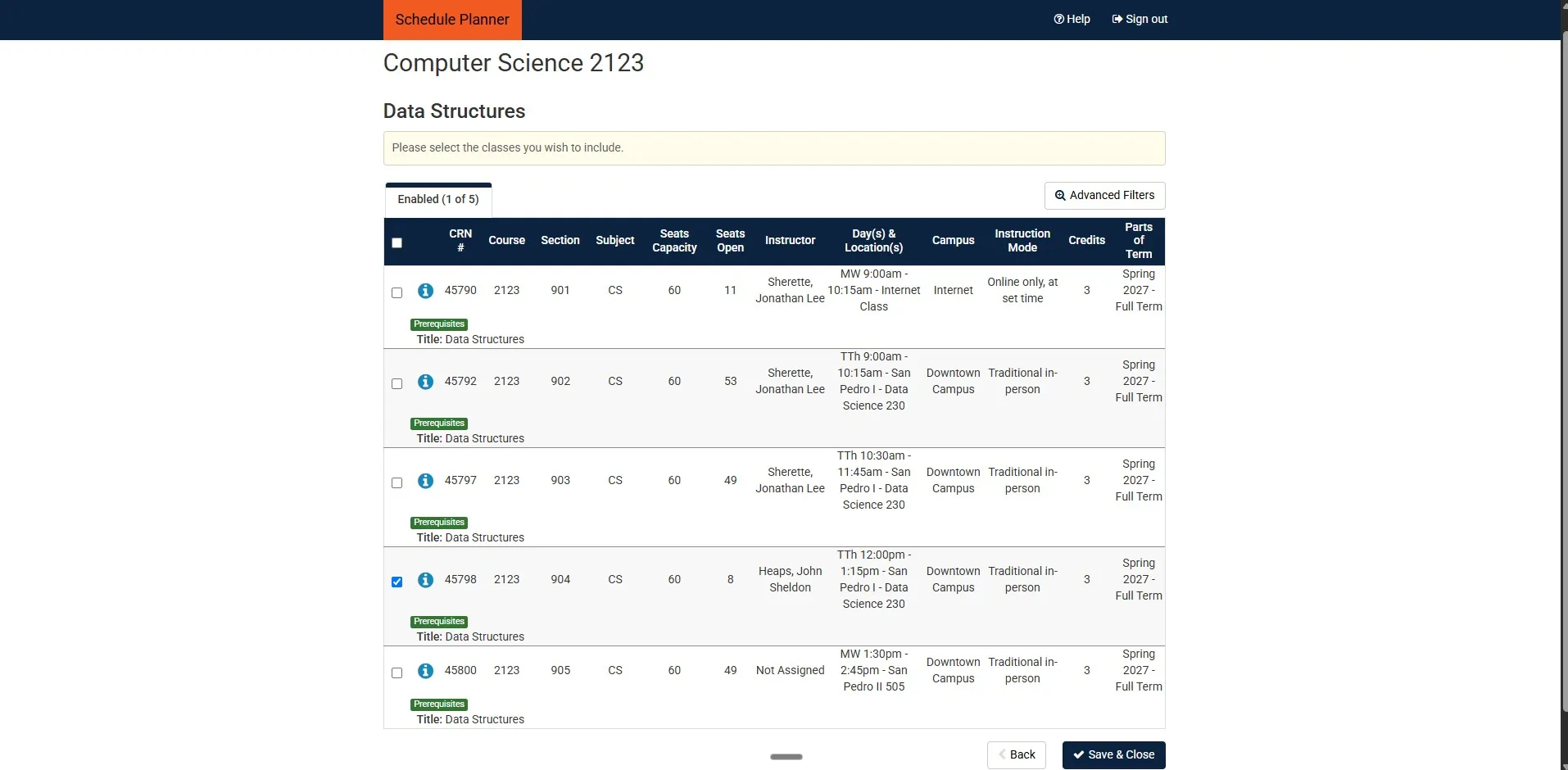
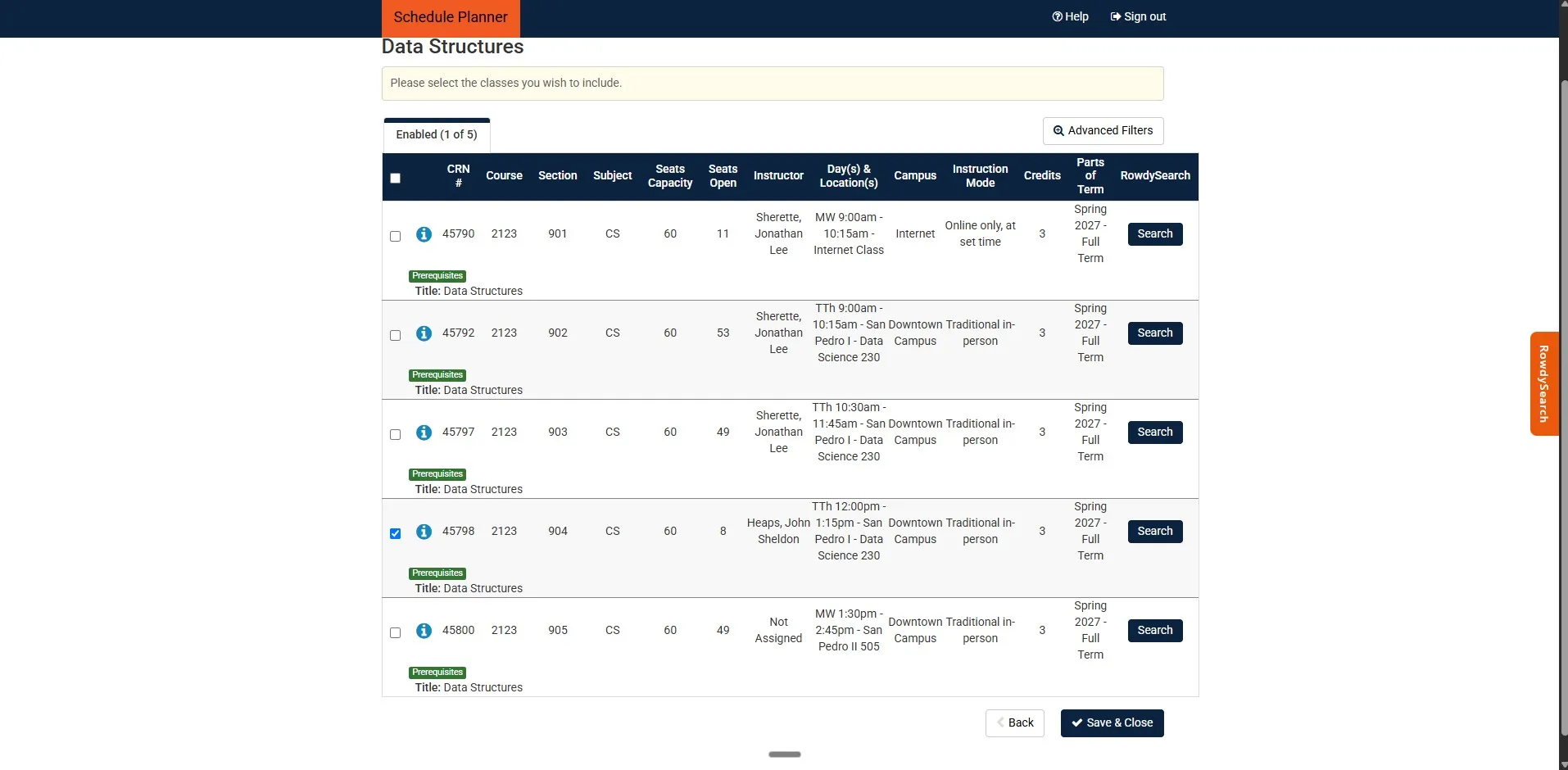
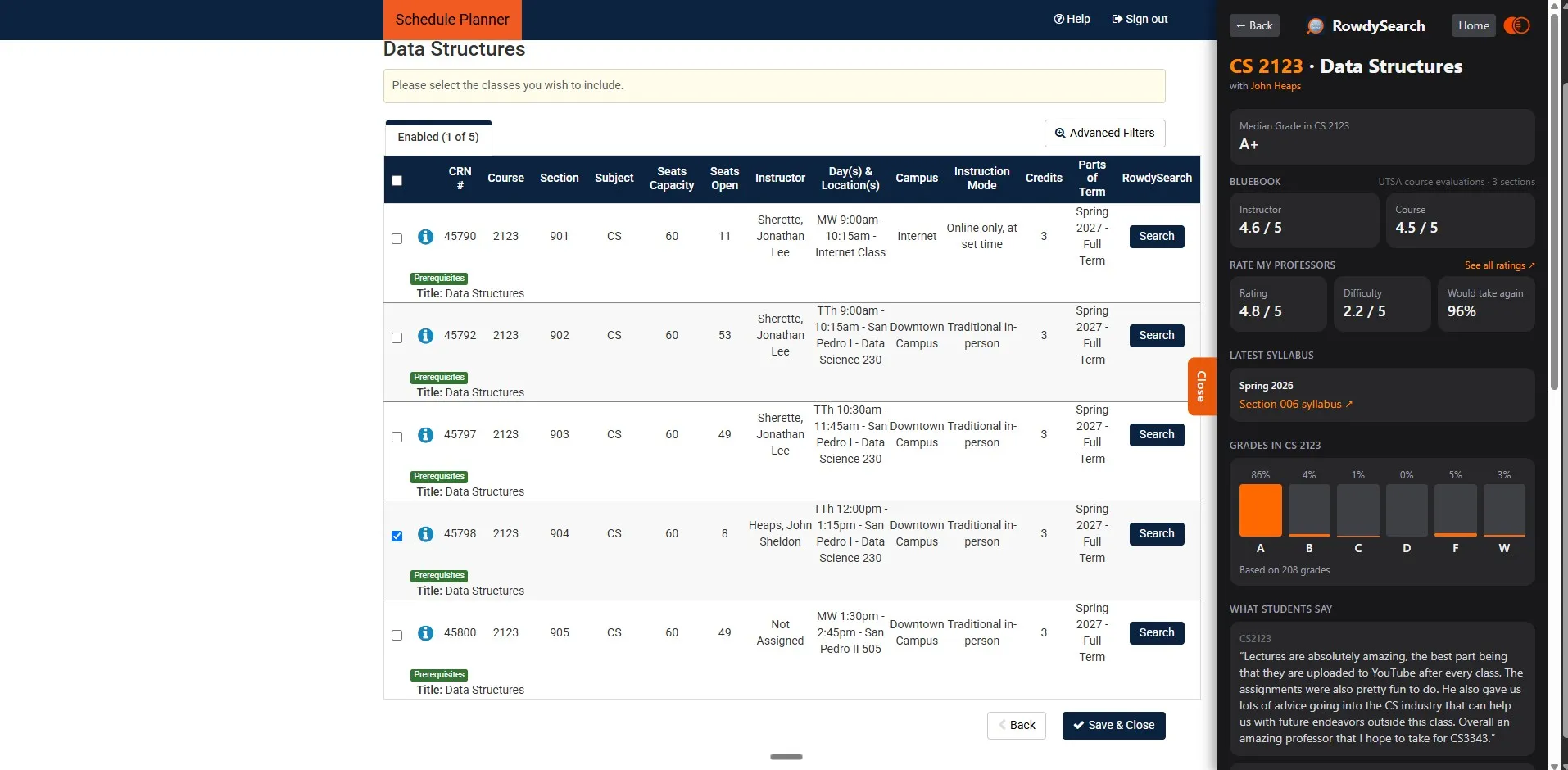
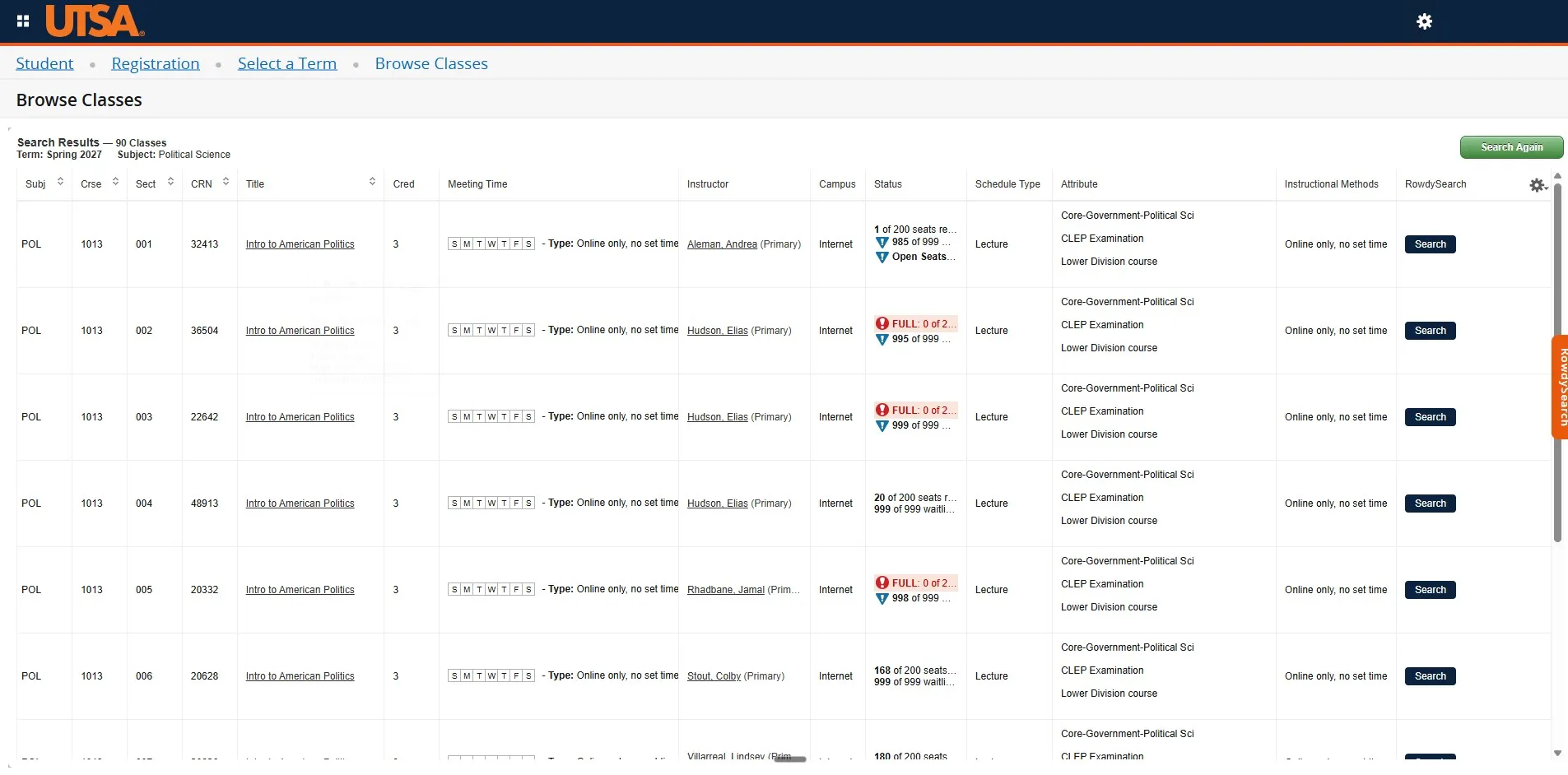
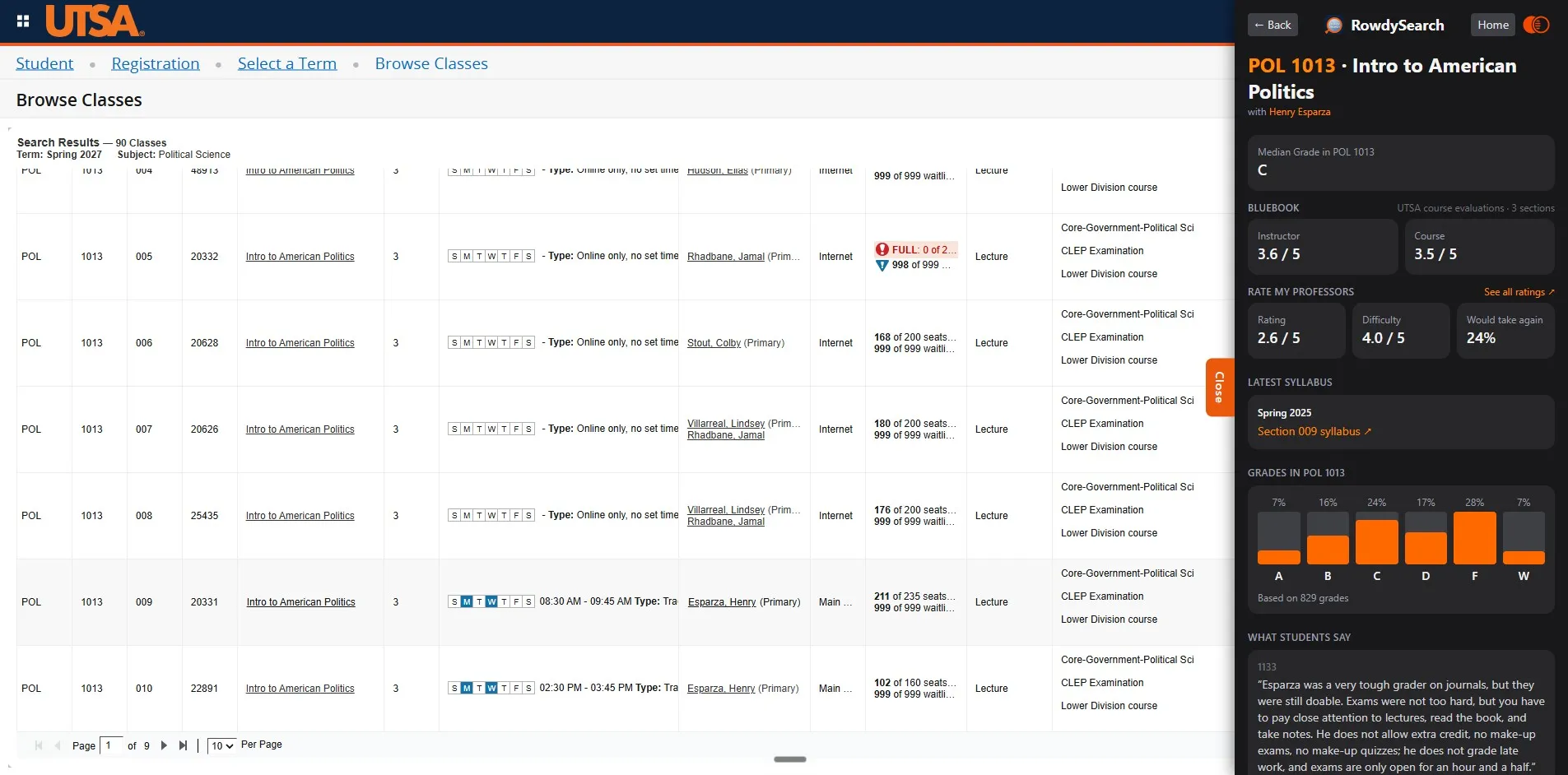
This site looks professors up. The extension does it where you pick your classes: it adds a Search button to every class in Schedule Planner and in UTSA's registration pages. One click opens that professor's grades, ratings, and syllabus beside the page.
Free. No account, no ads, and it collects nothing.
Schedule Planner, before and after
The same class list. Flip between the three to see what changes.
Browse Classes, before and after
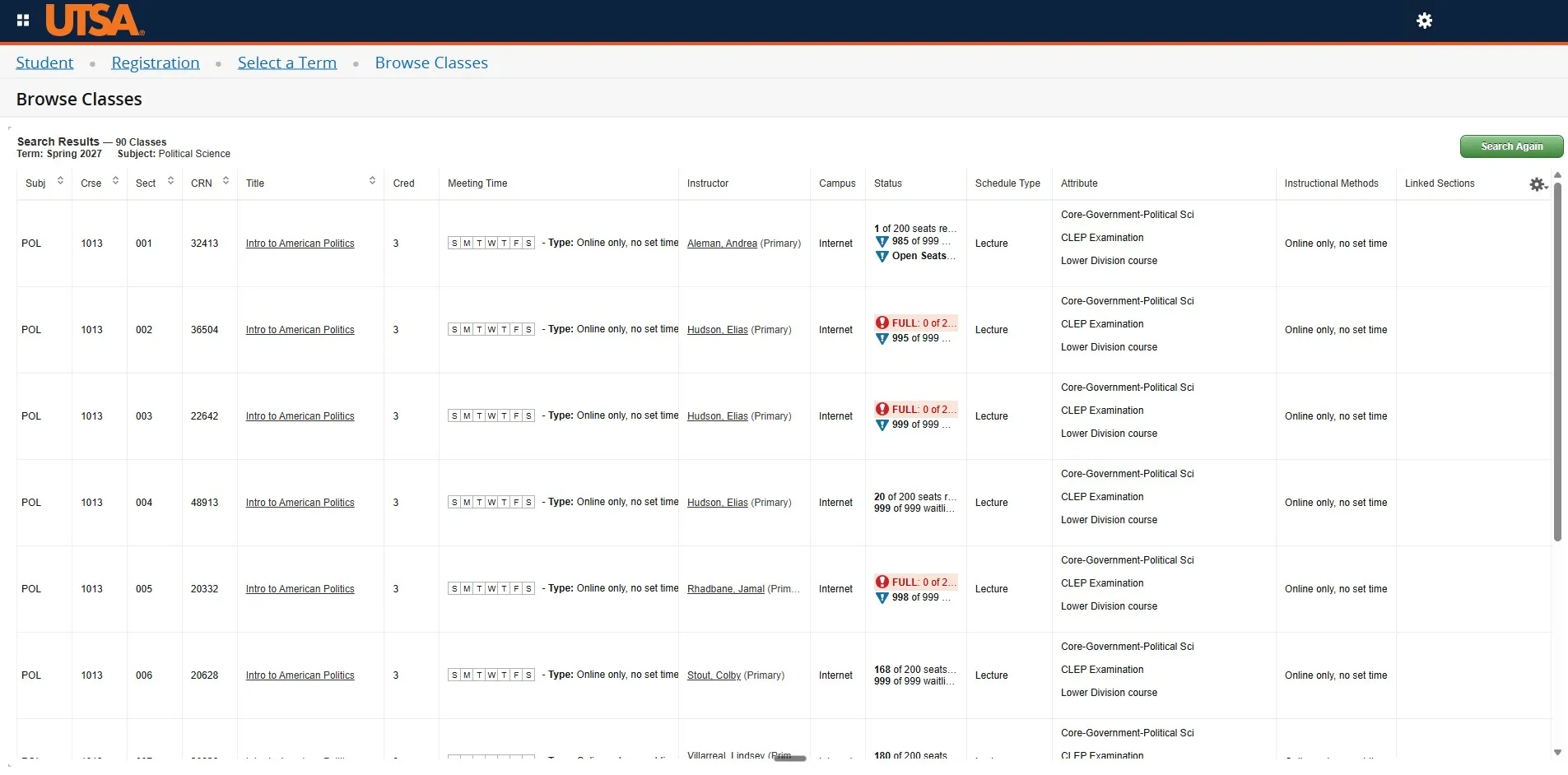
UTSA's class search, with the same three views.
90x faster
per professor.
Without RowdySearch
90 seconds
- Open Rate My Professors and search for the professor.
- Open Simple Syllabus and find their section's syllabus.
- Open Bluebook and search for their evaluations.
No grade data. You can't get it. UTSA doesn't publish it.
With RowdySearch
1 second
- Click Search.
Comes with grade data.
Where the Search button appears
- Schedule PlannerA Search button on every section in the class tables and in the Shopping Cart.
- Browse Classes and Find ClassesA Search button on every result in UTSA's class search.
- Register for ClassesA Search button on every class in your Summary table.
- Any other websiteClick the toolbar icon to open the RowdySearch sidebar and search from there.